
Ride for free in Lone Tree, Highlands Ranch, Castle Rock and select areas of Parker.
Skip the parking and get around with ease. Try the city's public transit rideshare service today.


Like a shared taxi, but better.
Get on-demand, convenient and free rides anywhere within Lone Tree, Highlands Ranch, and select areas of Parker.
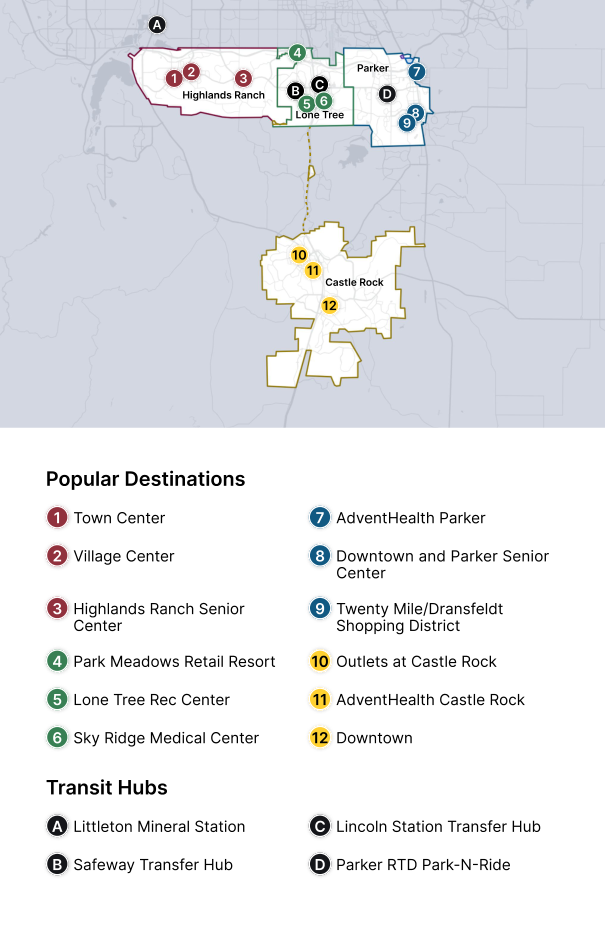
How to travel between Highlands Ranch, Castle Rock, and Parker (Non-Adjacent Zones)
Highlands Ranch (Maroon), Castle Rock (Gold) and Parker (Blue) are all non-adjacent zones, so you’ll book a two‑leg trip via a Transfer Hub. Here’s how:
1. In the Link On Demand app, book your first on‑demand ride:
- From Highlands Ranch to Lincoln Station Transfer Hub or Safeway Transfer Hub, or
- From Parker to Lincoln Station Transfer Hub or Safeway Transfer Hub.
3. After you’re dropped off at the Transfer Hub, open the app and request your second on‑demand ride, from the Transfer Hub to your final destination in the other zone.
Tip: Using Lincoln Station or the Safeway Transfer Hub as your transfer point will give you the smoothest experience. Transfers at other locations are possible but may lead to longer waits.
How to ride Link On Demand.
3 easy steps to get on board in no time.

1. Create an account
Download the Link On Demand app from your preferred app store and follow the simple signup steps.


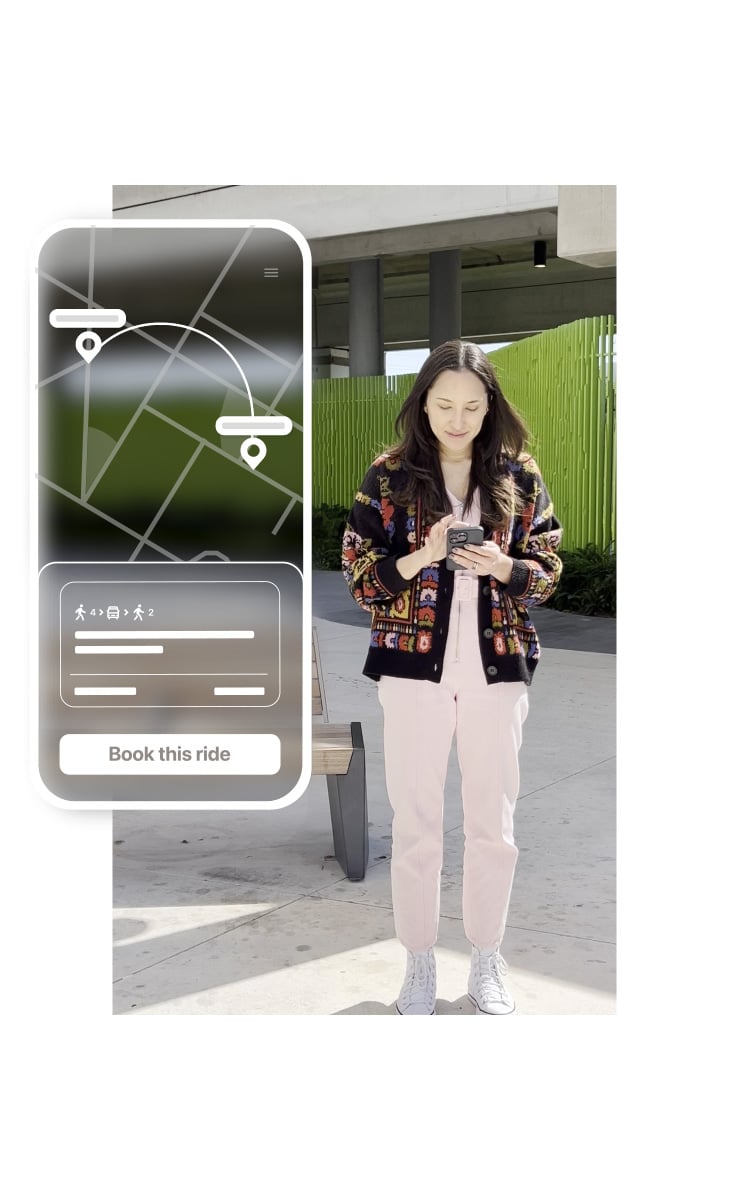
2. Book a ride
Enter your pickup and dropoff address. Choose the ride that works for you by tapping Book This Ride.
*Tap the accessibility icon in your profile to be able to request wheelchair vehicles.

3. Meet your driver
Check the app to see your designated pickup point. It may be a short walk away, but it helps to cut down on detours and make your journey faster!
Take your first ride today.
Predictable earnings, flexible schedule. Earn up to $25/hour while driving with Via. Ready to join our global community of Driver Partners?
Apply now